trino.ps
Monitor queries, search schemas, and more — without leaving your terminal.
$ uvx trinops top $ pipx run trinops top $ pip install trinops Monitor queries, search schemas, and more — without leaving your terminal.
$ uvx trinops top $ pipx run trinops top $ pip install trinops Features
trinops is a focused tool for engineers who live in the terminal and need to understand what's happening on their Trino cluster right now.
List queries, fetch details, kill runaway jobs, and manage your config without leaving the terminal. Every command outputs JSON for scripting.
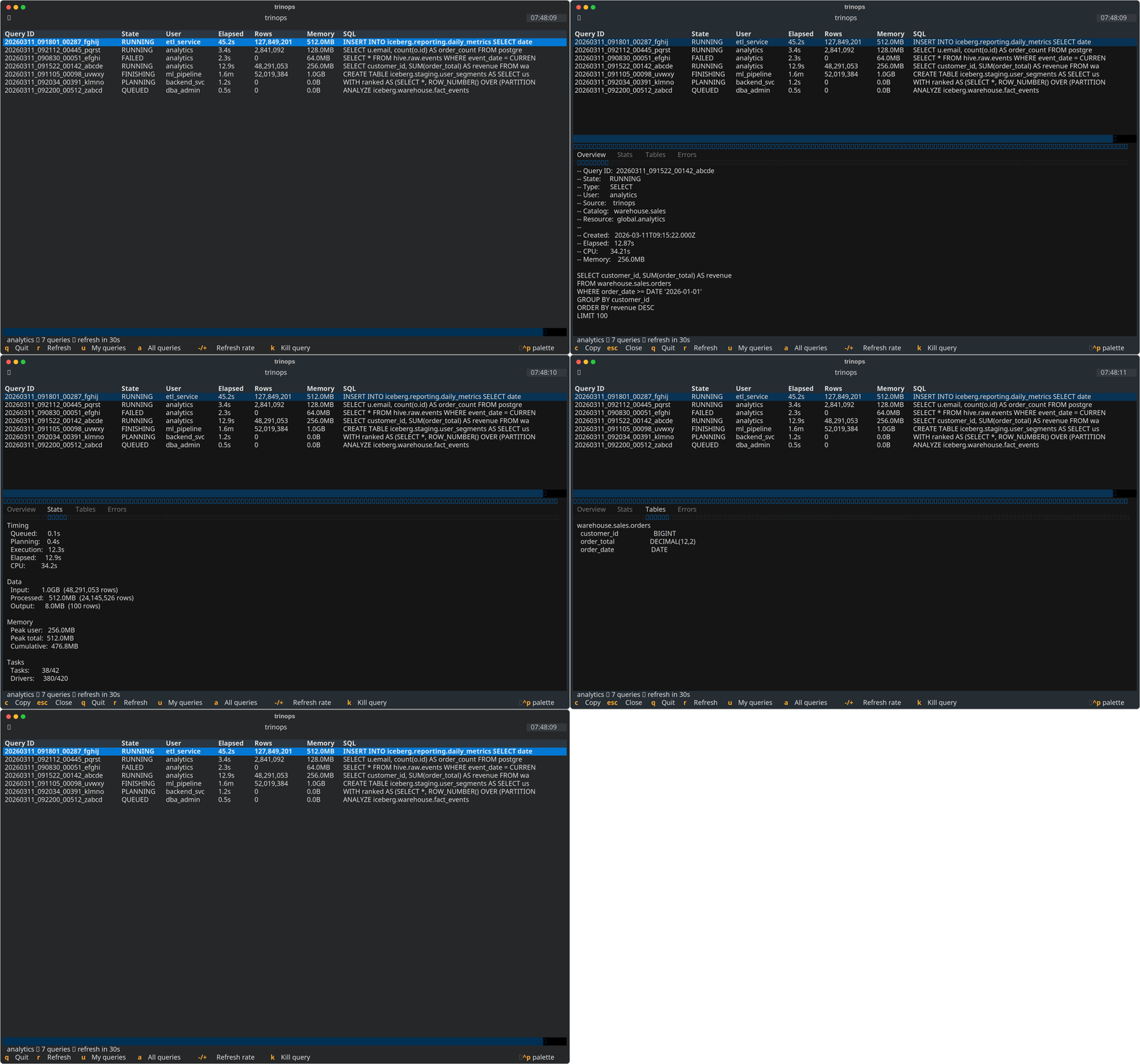
An htop-style TUI that shows every query on your cluster in real time. Sort, filter by user, drill into stats, and kill queries with a keystroke.
Refresh a local cache of your Trino catalog metadata, then search table and column names with glob patterns. No cluster connection needed at search time.
Wrap any trino-python-client cursor with TrinoProgress to get live progress bars, stderr output, or a local web dashboard for long-running queries.
Screenshots
All views from a live Trino cluster, rendered in the terminal.
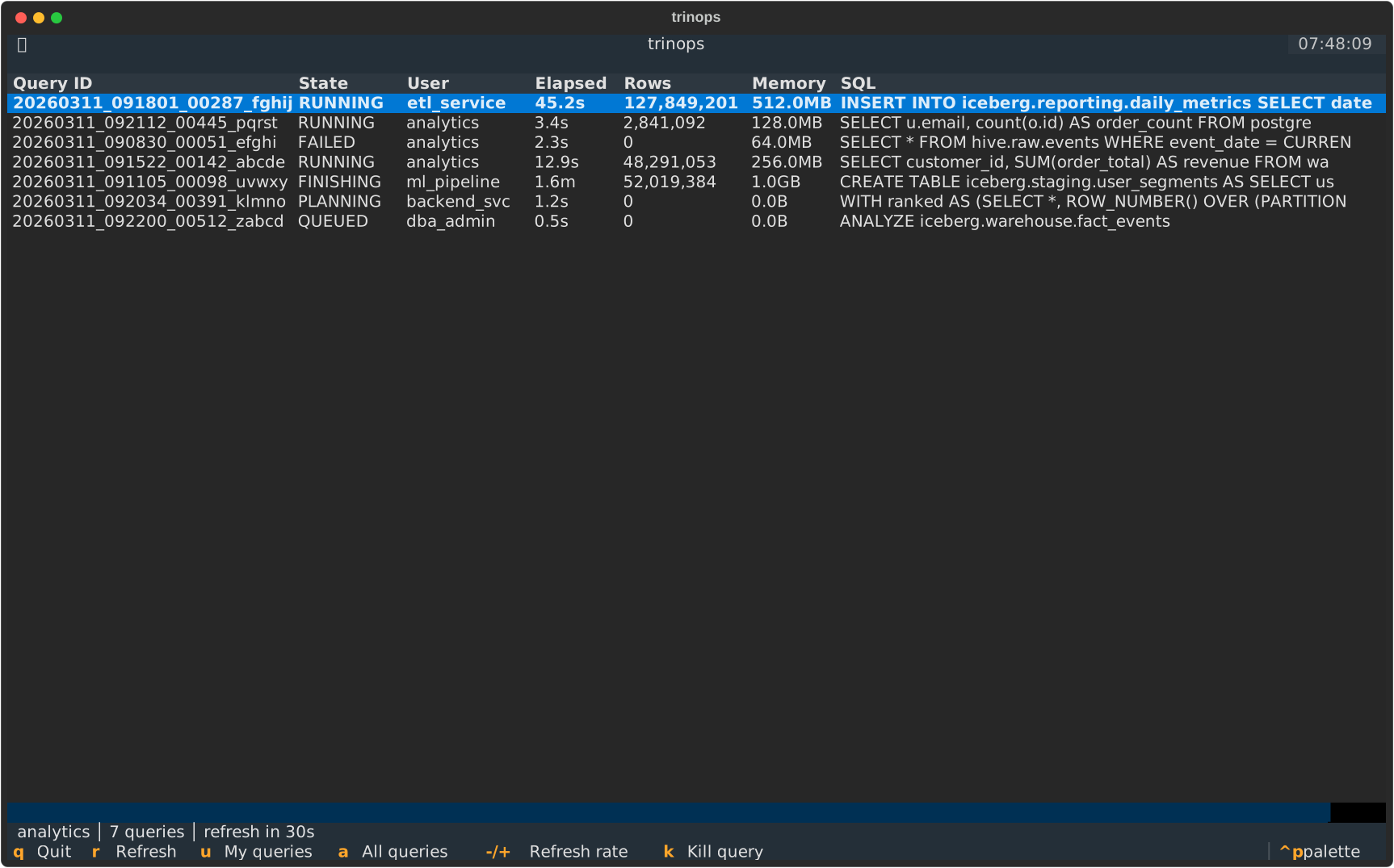
Query list with sort indicators
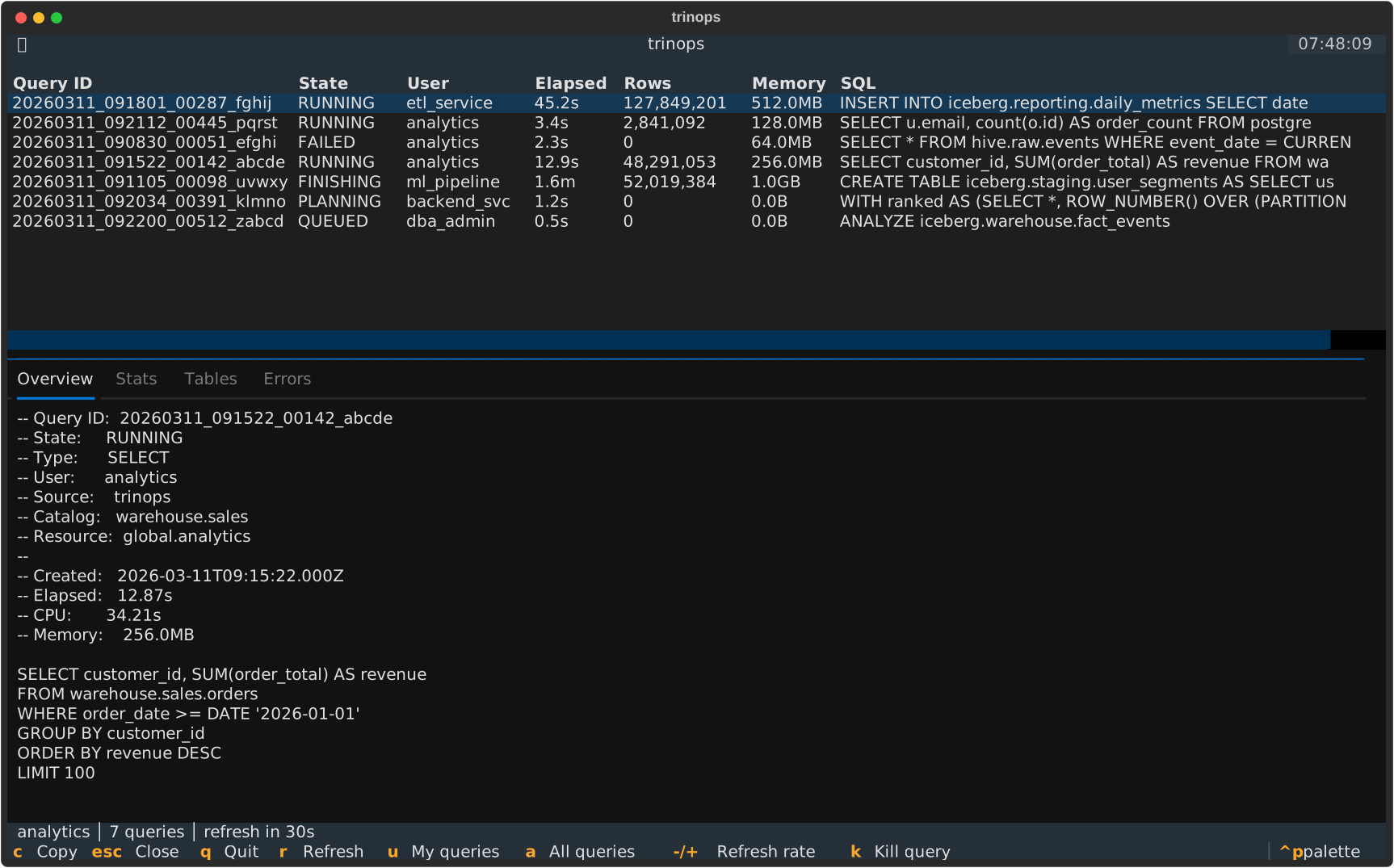
Detail pane: Overview tab
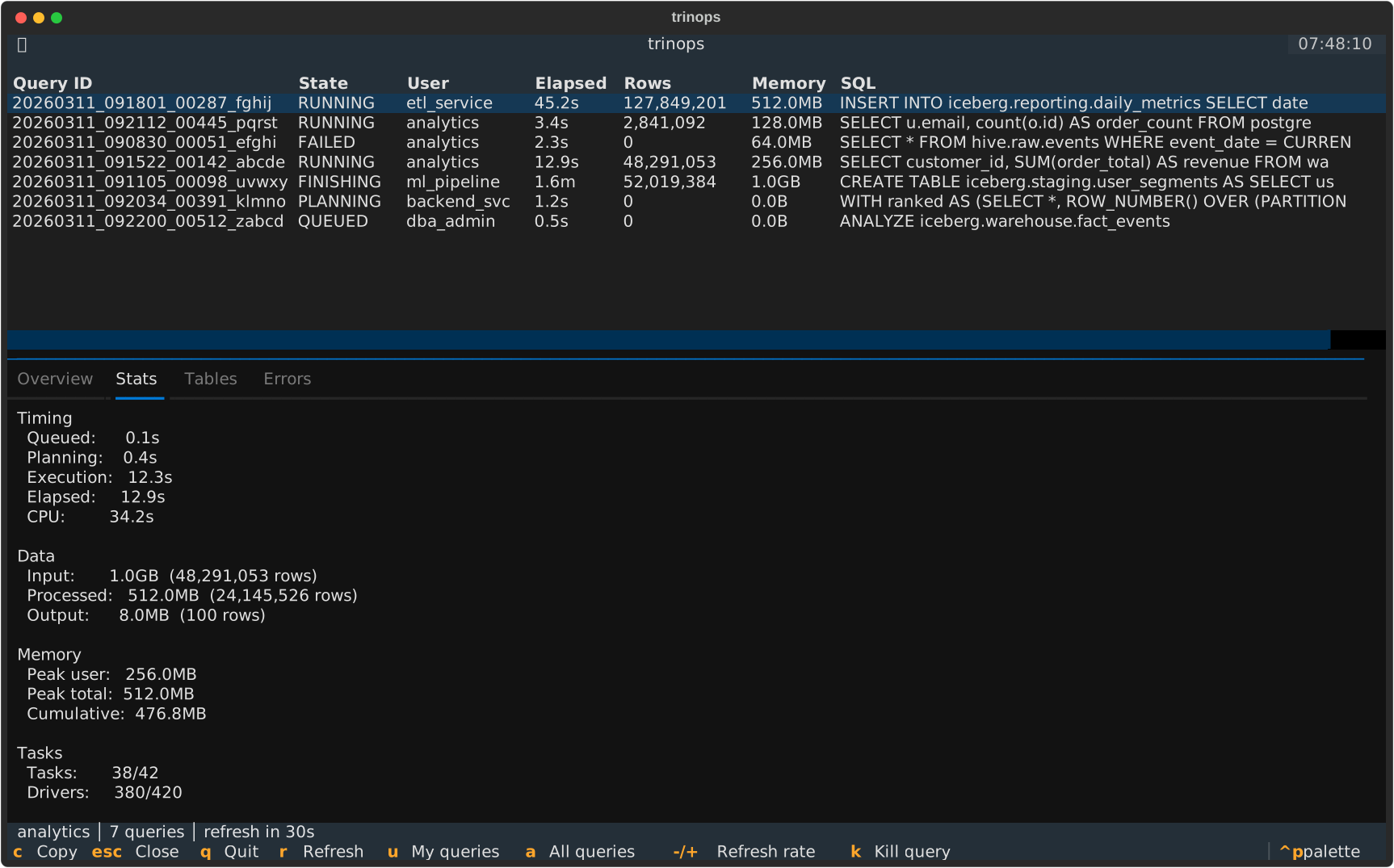
Detail pane: Stats tab
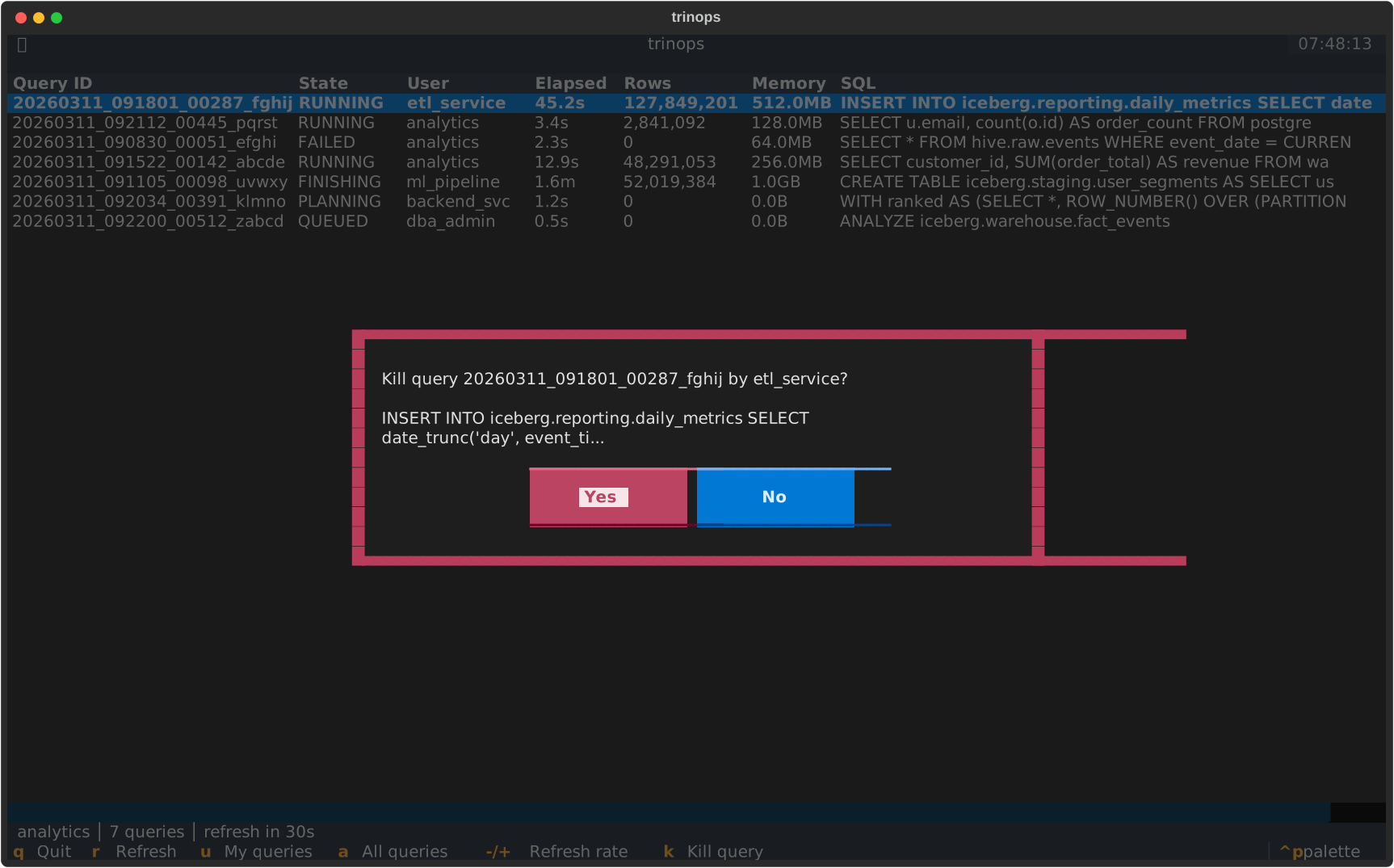
Kill confirmation dialog
Quick Start
No daemon, no config file required to try it — just point at your cluster and go.
Configure
Run the interactive setup wizard. It writes ~/.config/trinops/config.toml with your server, scheme, user, and auth method.
$ trinops config init Authenticate
For OAuth2 clusters, run the login flow once to cache your token. Other auth methods (basic, JWT, Kerberos) need no extra step.
$ trinops auth login Go
Launch the live dashboard. It connects to your cluster, fetches running queries, and starts refreshing every 30 seconds.
$ trinops top