Getting Started
Installation
Section titled “Installation”trinops requires Python 3.10+. Choose your preferred installer:
uvx trinops toppipx run trinops toppip install trinopsConfigure your connection
Section titled “Configure your connection”trinops needs to know where your Trino coordinator lives. The fastest way to set that up is config init.
Interactive setup
Section titled “Interactive setup”trinops config initYou will be prompted for:
| Prompt | Default | Description |
|---|---|---|
| Trino server | (required) | Hostname or host:port |
| Scheme | https | http or https |
| User | (required) | Trino user name |
| Auth method | none | none, basic, jwt, oauth2, or kerberos |
The config file is written to ~/.config/trinops/config.toml.
Non-interactive setup
Section titled “Non-interactive setup”Pass every required value as a flag and trinops skips the prompts:
trinops config init \ --server trino.example.com \ --scheme https \ --user alice \ --auth none \ --yesThe --yes flag overwrites an existing config file without asking.
Port defaults
Section titled “Port defaults”When the server value does not include an explicit port, trinops infers one from the scheme:
httpsdefaults to port 443httpdefaults to port 8080
So --server trino.example.com --scheme https connects to trino.example.com:443.
Environment variables
Section titled “Environment variables”If you prefer not to use a config file, set environment variables instead. trinops checks these before falling back to the config file:
export TRINOPS_SERVER=trino.example.com:443export TRINOPS_SCHEME=httpsexport TRINOPS_USER=aliceexport TRINOPS_AUTH=noneSee Configuration for the full list of environment variables and config fields.
First run
Section titled “First run”Launch the TUI dashboard:
trinops top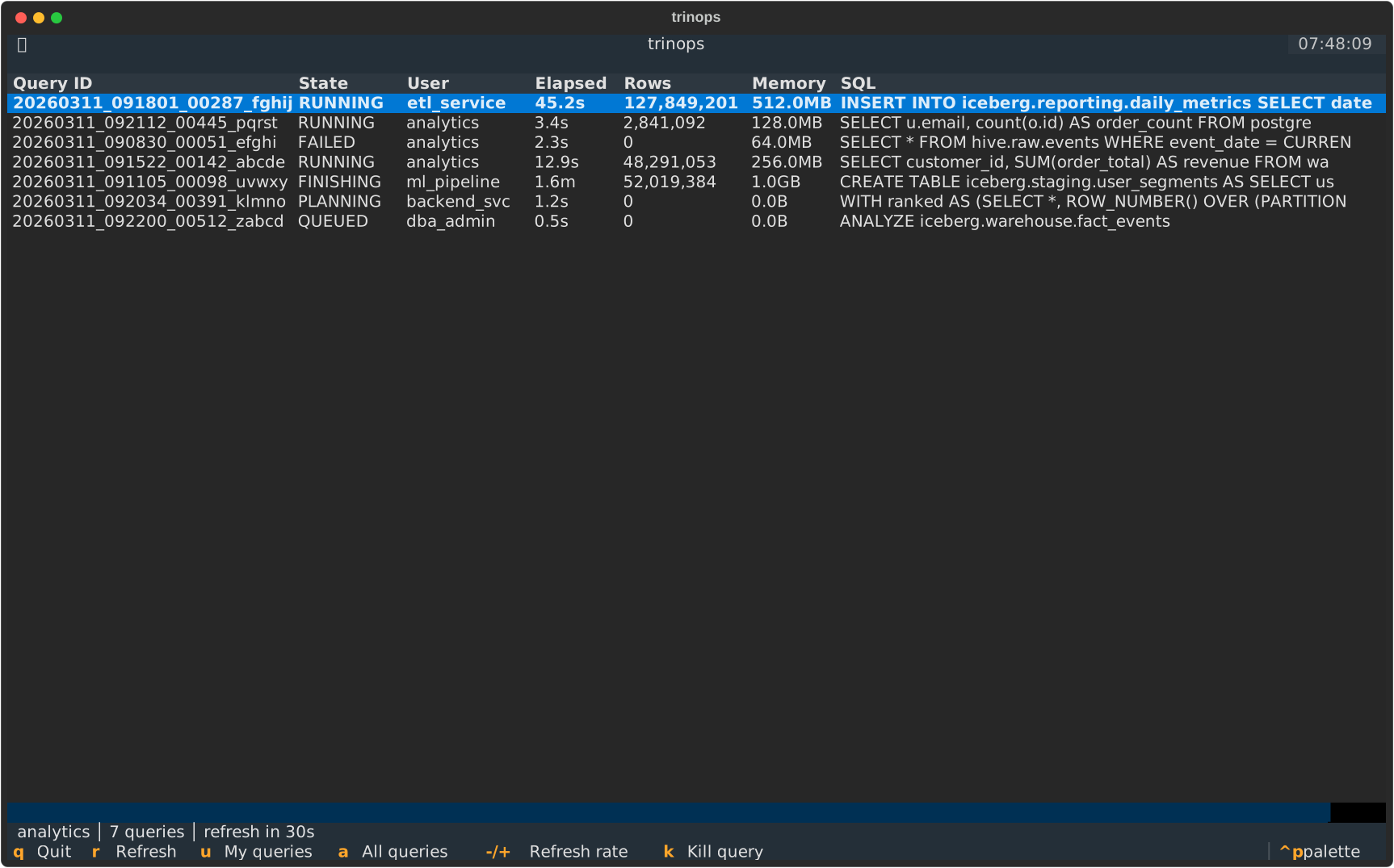
The dashboard refreshes every 30 seconds by default. Press r to refresh immediately, q to quit.
If you see “No queries,” your Trino cluster may not have any active queries at the moment. Press a to switch to “all users” mode and pick up queries submitted by anyone.
Next steps
Section titled “Next steps”- TUI Dashboard — keybindings, layout, and kill workflow
- Schema Search — explore catalogs and tables from the terminal
- CLI Reference — every command and flag
- Configuration — profiles, auth methods, and tuning